
See NitroShock in action
Screen recordings of real work on a real WordPress site, start to finish. Long waits are sped up and marked on screen, and every video has a written guide if you would rather follow along in text.
Get your site into WordPress
Two ways to start without rebuilding by hand. Import a site an AI already built as plain HTML, or point the Site Builder at the site you have now and let it plan and rebuild every page.
 4:49
4:49Import a Claude-Built Website into WordPress (No Rebuild)
Turn a website Claude or another AI built into a real, editable WordPress site with one zip upload.
Read the full guide 7:34
7:34AI WordPress Site Builder: Rebuild an Existing Website (Live Demo)
A WordPress AI website builder that scans the site you already have, plans every page, lifts your colours and photos, and rebuilds it in the background while you do something else.
Read the full guideEdit and build pages with AI
Once the site is in WordPress, the Page Builder takes over. Edit text in place and save sections for reuse, have AI research and write a full page, or build one by describing it a section at a time.
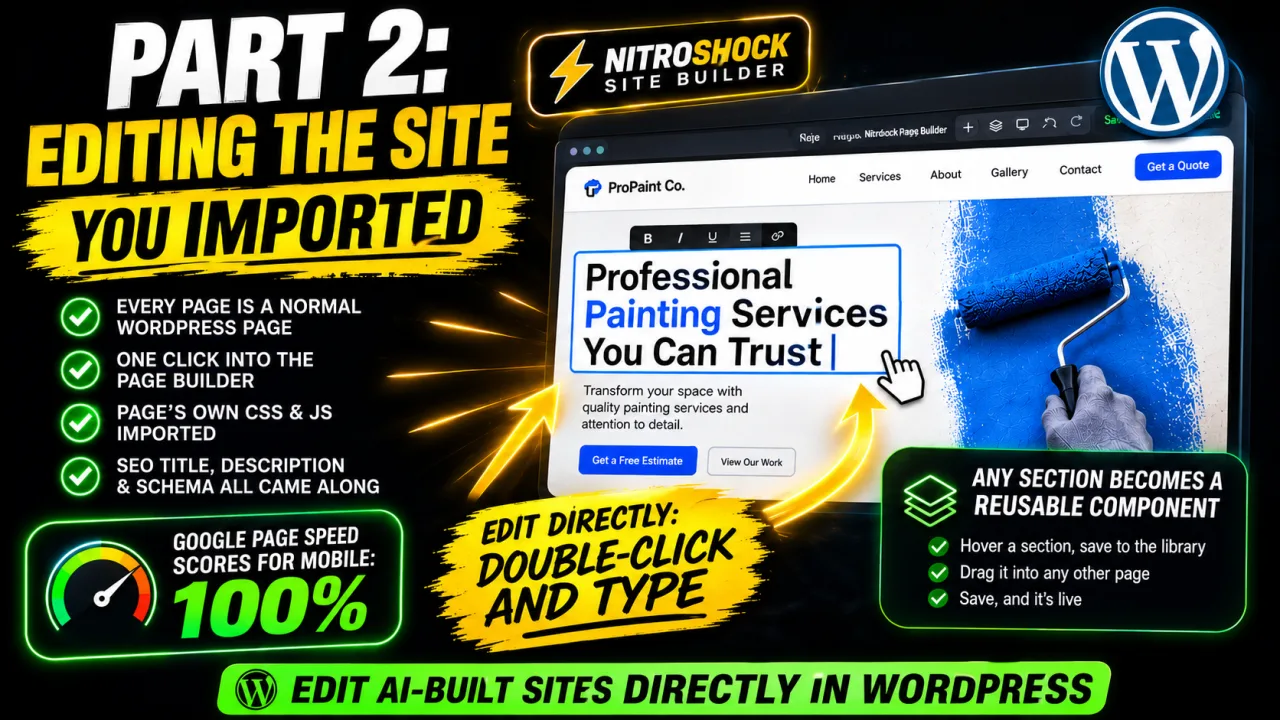 5:59
5:59Edit an AI-Built Website in WordPress Without Touching Code
Open the site you imported in the NitroShock Page Builder: edit text in place, save any section as a reusable component, and see why it scores 100 on a mobile Lighthouse run.
Read the full guide 5:11
5:11AI Page Builder for WordPress: Add Components, Write Pages, Rephrase Copy
Drop in ready-made components, have AI research and write a full page, style it with live CSS, and rewrite an existing page's copy in a new tone without changing its design.
Read the full guide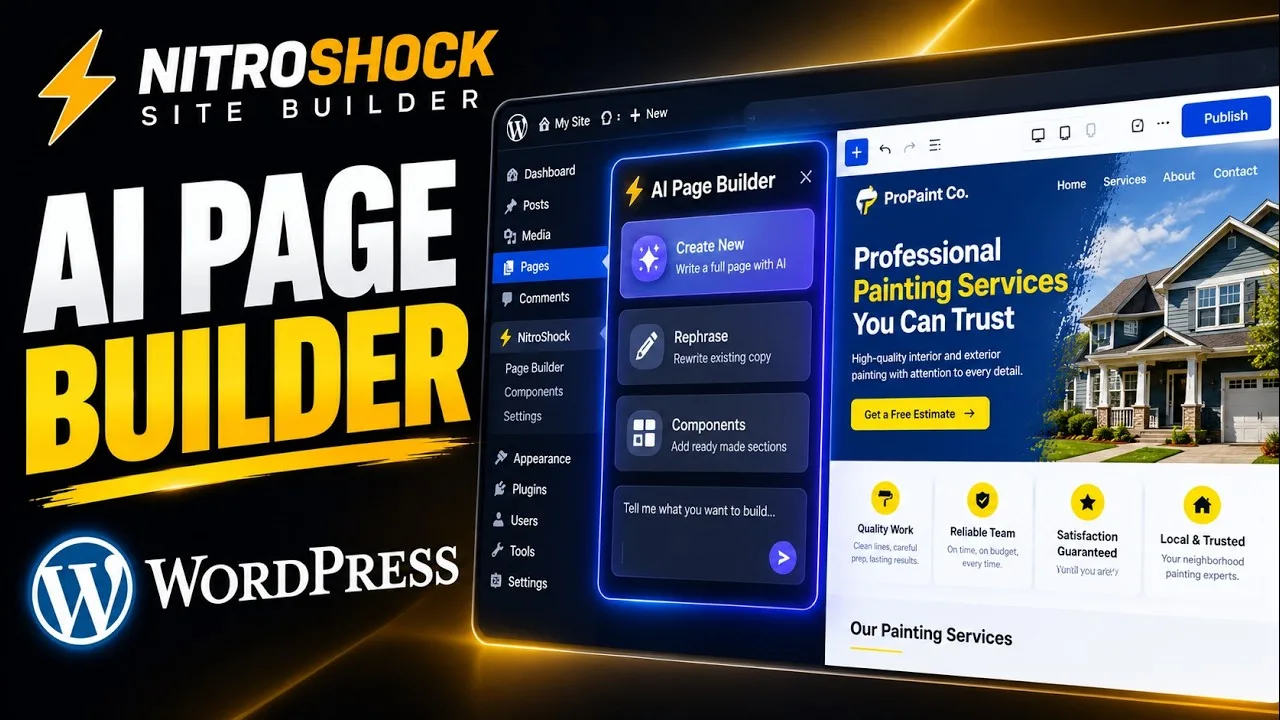 5:10
5:10WordPress AI Agent: Build a Page by Describing It (Live Demo)
An AI agent for WordPress that builds a page from a description: a hero, then the section below it, then one line changed without touching the rest.
Read the full guideMore questions? Visit the Help Center, browse the documentation, or follow new walkthroughs on YouTube.