
AI website builder for WordPress
Your whole WordPress site, written and built by AI
Start from a few questions, rebuild an existing site, or import one you built somewhere else. NitroShock turns any of them into standard WordPress pages you own and can edit. Built for search from the first draft.
✓ Standard, editable WordPress pages
✓ Keep your URLs when you rebuild
✓ Import what you built, free
Three ways into WordPress
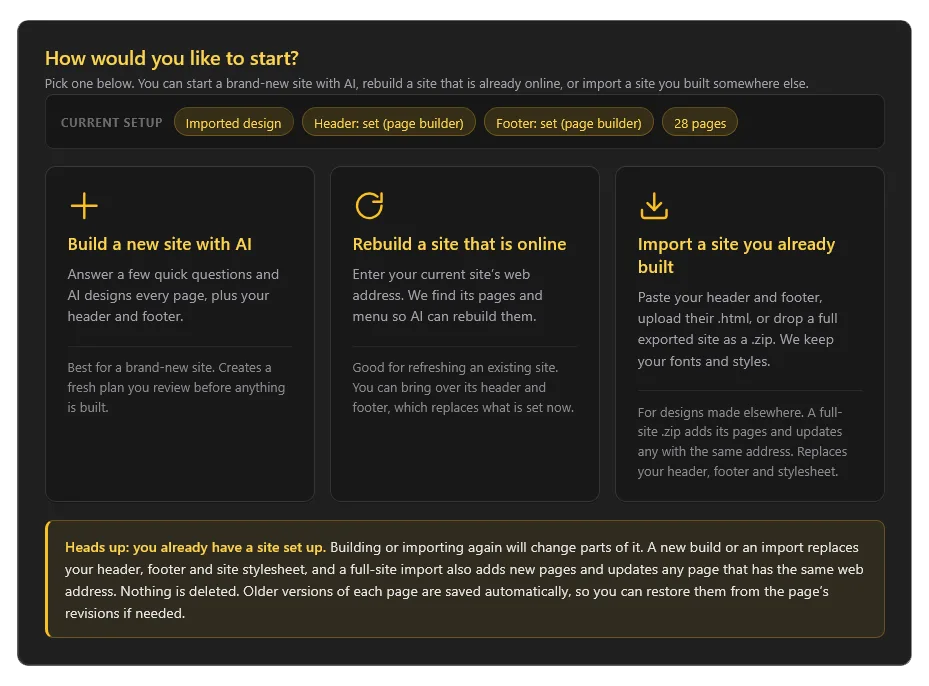
Whatever you are starting from, you end up with editable WordPress pages you own.
Mode 1
Build a new site
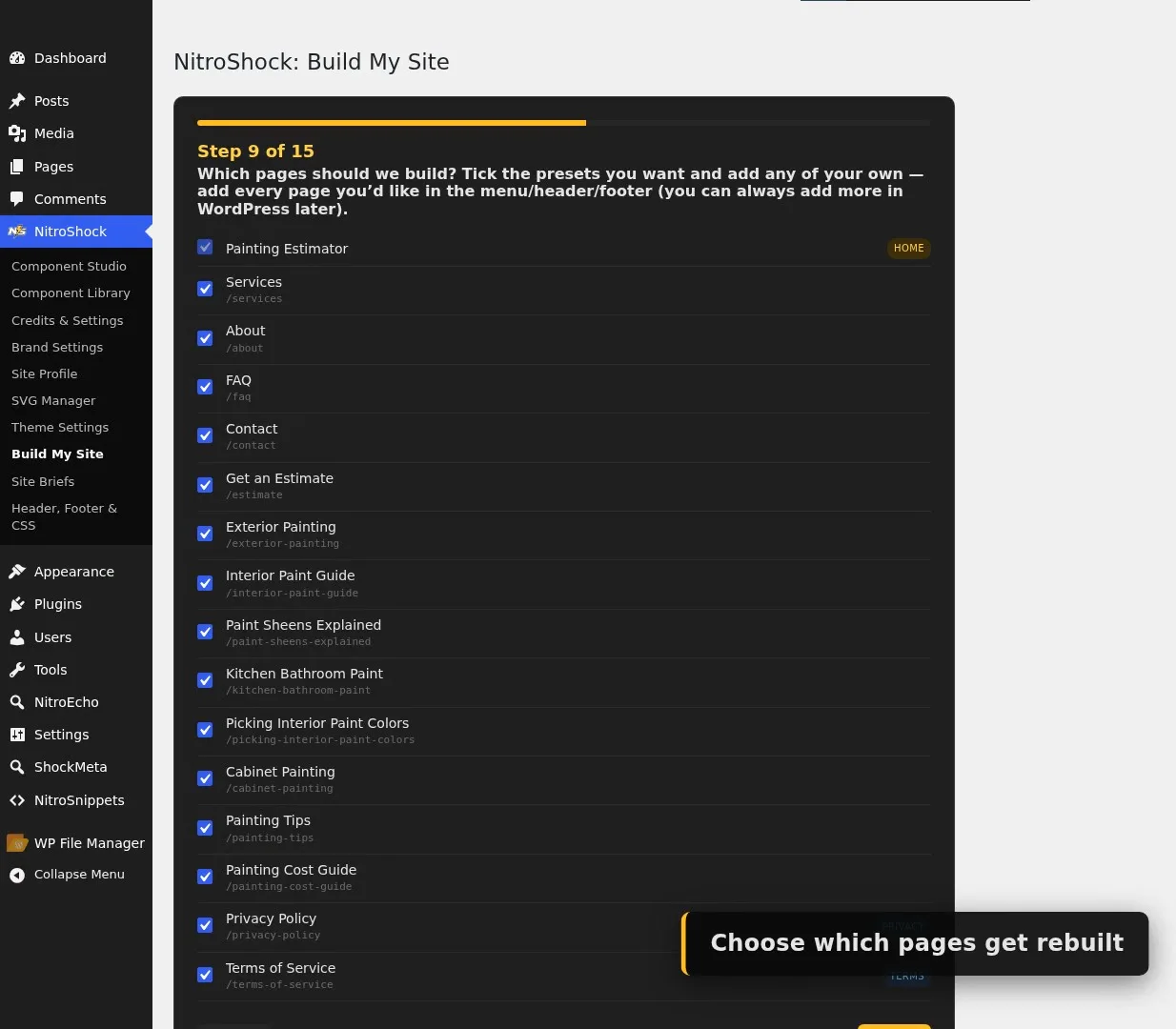
Answer a short wizard and the AI writes your header, footer, menu, home page, and every page from scratch.
Mode 2
Rebuild an existing site
Paste your current address. NitroShock finds your pages and menu, and rebuilds them while keeping your URLs.
Mode 3 Free
Import what you built
Built a site in Claude or anywhere else? Upload the .zip. NitroShock brings in your design, then the page builder edits it. No credits used.
Build a new site from a few answers
Three stages, and you stay in control of each one.
Answer the questions
A short wizard asks what your site is, who it serves, which pages you want, your style, and your brand colors.
Edit the brief
Your answers become a plain-language brief for the whole site and for each page. It is just text. Adjust anything and save.
Click build
The AI writes and publishes the header, footer, menu, front page, and every page in the background while you watch progress.
Rebuild your current site without losing your rankings
Paste your website address and NitroShock reads your navigation and sitemap to list your pages, up to 20 of them. Tick the ones to rebuild. Your original page addresses and menu structure are kept, so existing links and the ranking you have already earned keep working.
- Original URLs and menu hierarchy preserved
- Reuse your existing header and footer code, or let the AI design new ones
- Privacy and Terms pages offered automatically
Built it in Claude or anywhere else? Import it. Free
Export your site as a .zip and upload it in a couple of clicks. NitroShock reads the page, inlines its CSS and JavaScript, pulls in your header, footer, and fonts, and switches your site to that imported design. Then the page builder works on top of it, so you edit your own design and build matching pages from there. The import itself uses no AI credits.
- Upload a .zip, or paste the code instead
- Your stylesheet, scripts, and fonts come with it; logos and images keep loading
- Header and footer open in the page builder for visual editing
Want it to import with zero cleanup? Hand your AI tool our free export prompt and it lays out the .zip exactly how the importer expects, one file per page, shared header and footer, clean slugs, and per-page schema.
Built to be found, not just to look good
Clean output that search engines and AI answer engines can actually read.
SEO baked in
Pages built by AI are published with an SEO title and description, shaped around the keywords you give the wizard.
Clean, readable pages
Standard server-rendered WordPress, not a heavy front-end bundle. The clarity that helps Google helps AI search too.
You own all of it
Your site lives on your host as normal WordPress pages. No platform lock-in, no subscription holding your content hostage.
However it starts, it stays yours to edit
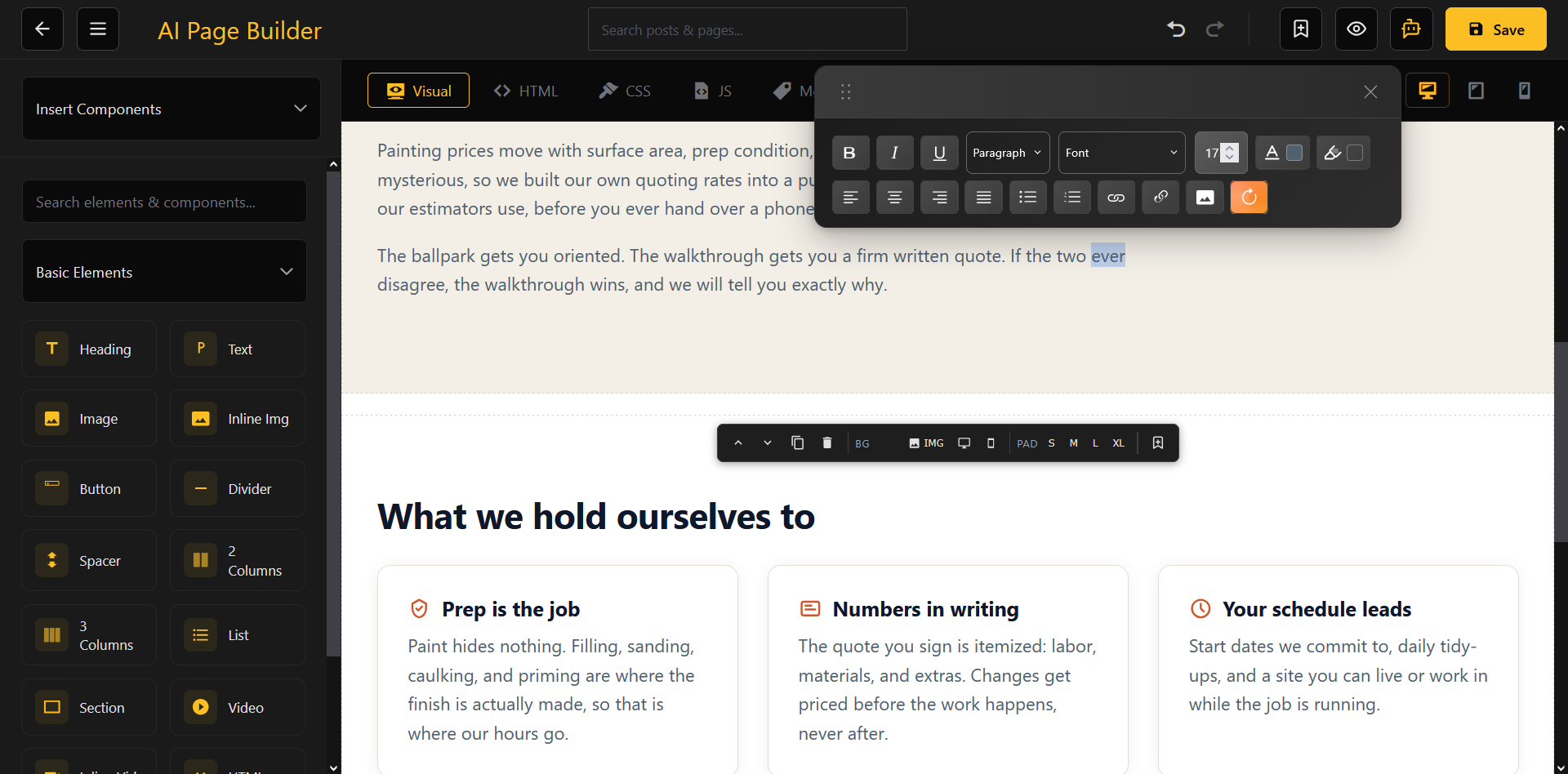
Every page is a normal, published WordPress page. Edit it in the block editor or open it in the page builder for visual editing. Do not like a page the AI made? Adjust its brief, add an instruction, and rebuild just that one, or edit the published page directly.
Two design modes: Framework styles the whole site from your brand colors, the default for a fresh AI build. Imported uses your own complete design, set automatically when you import a .zip or paste code, so your stylesheet is the only styling.
What you need to start
The theme alone imports and renders. AI building adds the plugin and a key.
The NitroShock theme
Active on your site, it renders your pages, header, and footer, and adds the Build My Site screen. The free import works here on its own.
The Page Builder plugin
Enables AI drafting and one-click building. Without it the wizard still saves an editable brief, but cannot generate content yet.
A NitroShock API key
Connects your site to the AI engine for building. Generation is billed against your credit balance, shared across all NitroShock tools.
Frequently asked questions
Can I import a site I built in Claude or another tool?
Does importing cost credits?
Is there a prompt I can give my AI tool to export a site?
Do I need the Page Builder plugin?
Can I rebuild my existing website?
Will rebuilding keep my page URLs?
Are the generated pages really editable?
Pick your way in
Build from scratch, rebuild what you have, or import what you made. All three end as WordPress you own.